
Docs / Account
Achievements
Achievements mark what you've done in Songstead, from creating your first song to finishing a set in Live Mode. They're a fun way to find features you haven't tried yet!
Earning achievements
You earn an achievement the first time you do what it describes, and a banner pops up at the top of the screen to celebrate. You can turn the banners off with Show achievement earned banners on the Achievements tab.
Your achievements
The Achievements tab in Account lists every achievement, grouped by plan, with how many you've earned. Select one to see the steps to earn it, with a short clip of doing them. A few are hidden until you earn them.
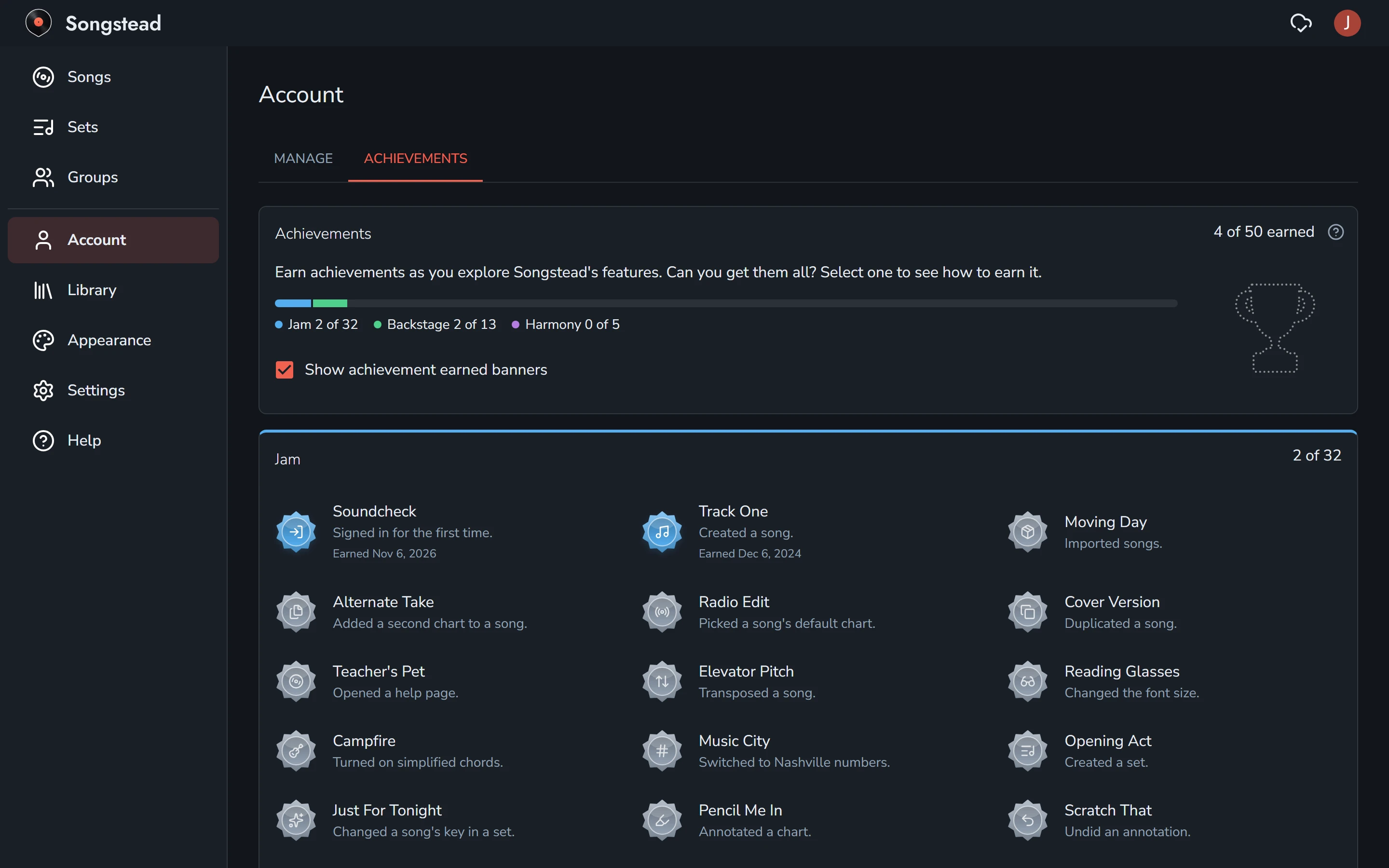
Backstage and Harmony achievements use features from those plans, and you can only earn them while you're on one.
Requires Backstage