
Docs / Library
Importing
You can bring a whole library into Songstead at once, from a backup of another app or from a folder of charts. Songstead reads everything first and shows you what it found, so nothing is imported until you've checked it.
What Songstead can import
| Source | What comes across |
|---|---|
| OnSong backup | Songs, sets, and the files attached to songs. |
| SongbookPro backup | Songs, sets, and the files attached to songs. |
| ZIP archive | Every song or file inside it, including folders within folders. |
| Text files | One song per file, in ChordPro or chords over lyrics. Details in ChordPro directives or an OnSong-style header become the song's title, artist, tempo, time signature and duration. |
| PDFs and images | Each loose file becomes a song with the file as its chart. |
Songstead recognizes an OnSong or SongbookPro backup from its contents, so you don't have to tell it which app it came from.
Song details with no field of their own in Songstead, such as a copyright line or a CCLI number, are kept in the chart as ChordPro directives.
Files in an import, including attachments in a backup and loose PDFs and images, need a plan with file storage. Without one, the songs are imported and their files are skipped.
Requires Backstage
Run an import
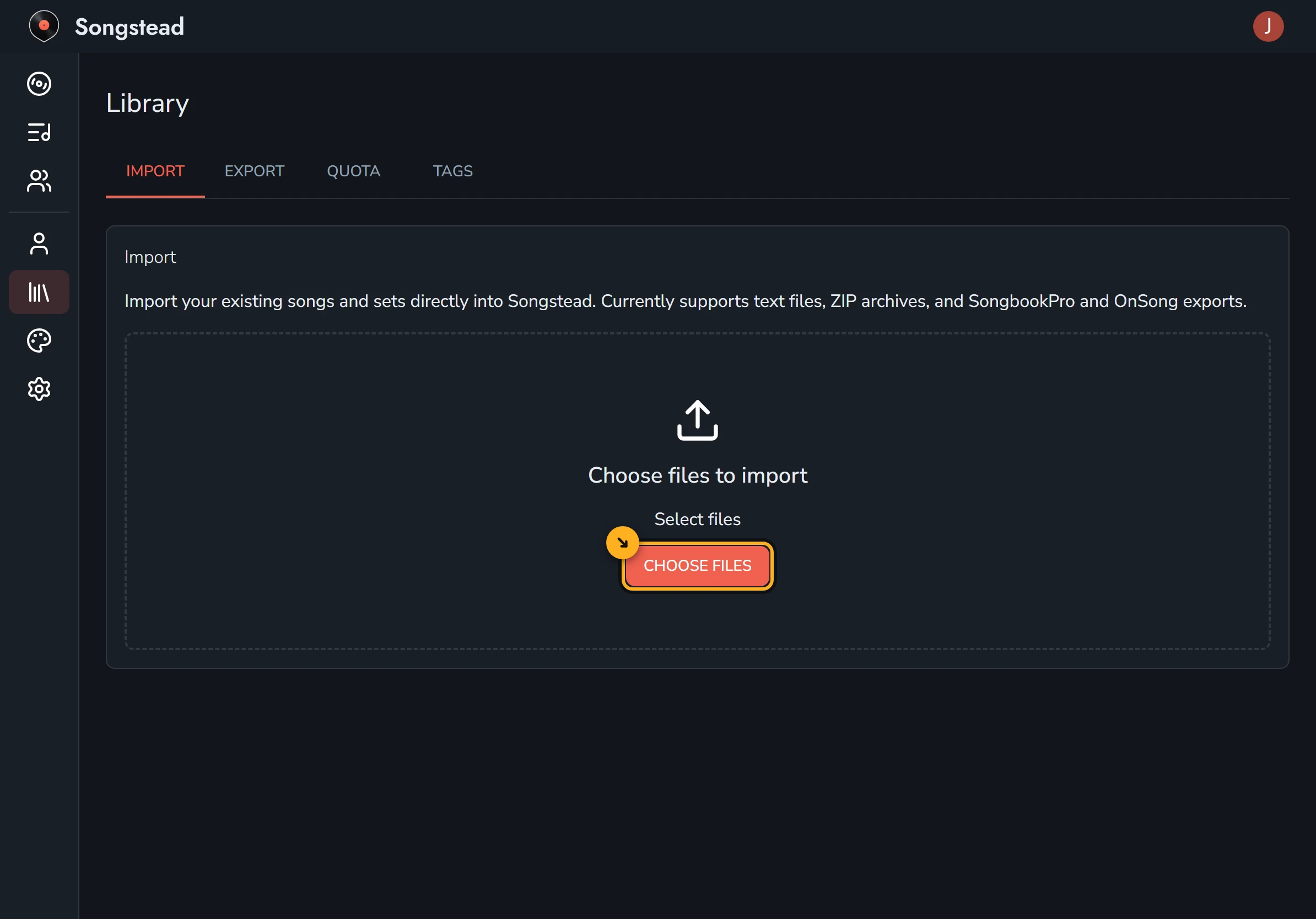
Open Library from the menu. The Import tab is the first one. Select Choose Files and pick what you want to bring in: one file, many files, a folder, or a ZIP archive.
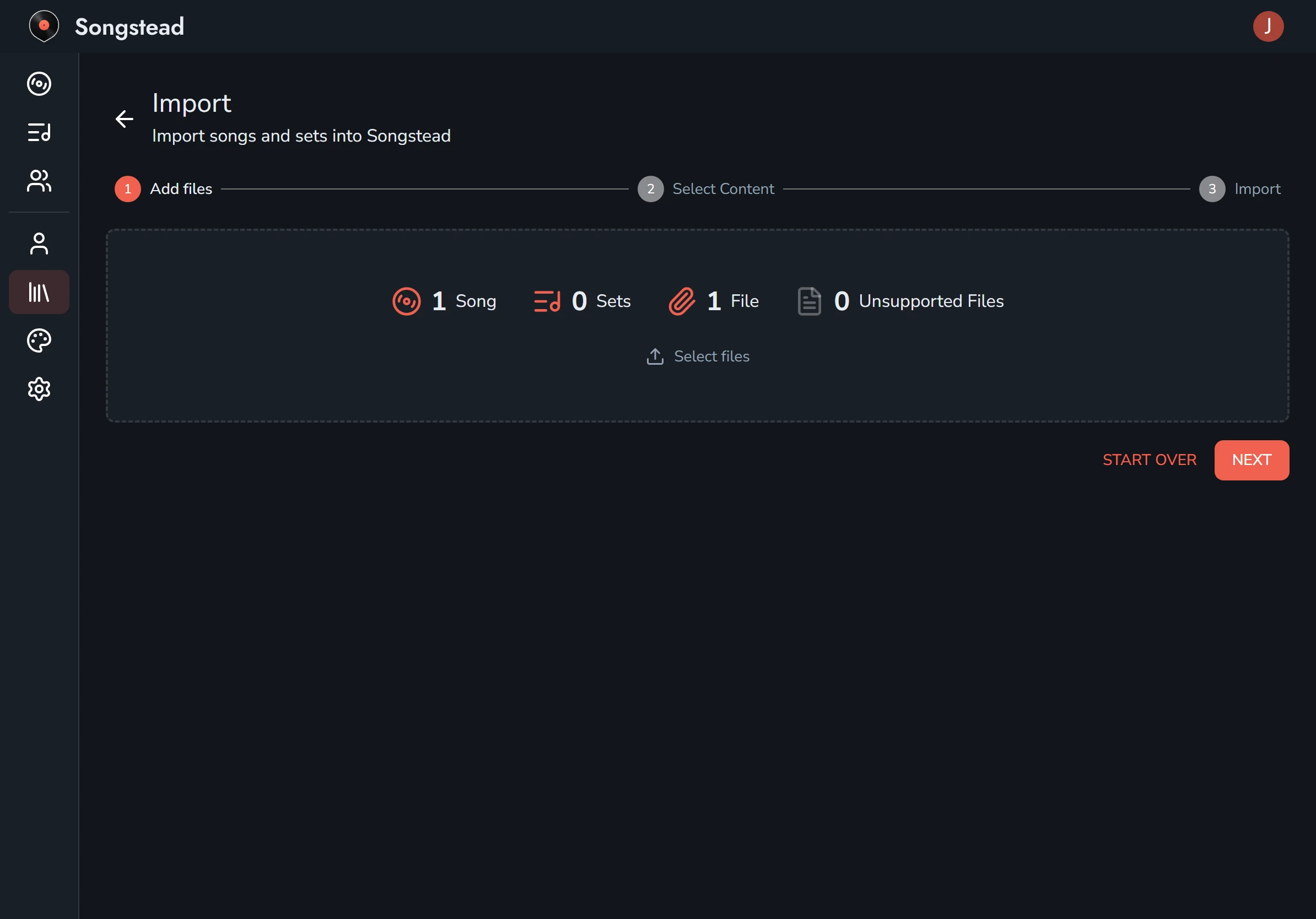
The import then takes three steps, shown across the top of the screen.
- Add files. Songstead reads your files and counts the songs, sets and files it found, and any files it can't use. You can select more files before you go on, or Start Over. Select Next when the count looks right.
- Select Content. Untick any songs or sets you don't want. Each song shows which of its files will come with it. Select Next.
- Import. Choose the group to put everything in with Import to, then select Start Import. Keep the page open until it finishes. A big library with lots of files can take a few minutes.
When it's done, Songstead shows how many songs, sets and files were imported, and lists anything that couldn't be.
Imported songs go through the same storage quota as files you upload yourself, and Songstead won't start an import that would go over it.
Import your library in the tutorials walks through it with screenshots and a video.
One song at a time
You can paste a chart from Ultimate Guitar or most other chord sites into a new song. See Import from Ultimate Guitar and Songs.
Moving away from Songstead
You can export your whole library as ChordPro files in a ZIP archive, which most chart apps can import. See Exporting and printing.