
Docs / Songs
Search, filter and sort
Songs lists every song you can see: the ones in your Personal group and the ones in every group you belong to. Search, filters and sorting help you find the one you want.
Search
Type into the search box at the top of Songs, and the list narrows as you type. Search looks at more than titles. It finds a song from a line of its lyrics too:

When a song matched on something other than its title or artist, the match is shown under the song, with where it was found, like Chart: or File:.
Choose where to search
The button with the sliders, at the right end of the search box, chooses where search looks. Everything is turned on to start with.
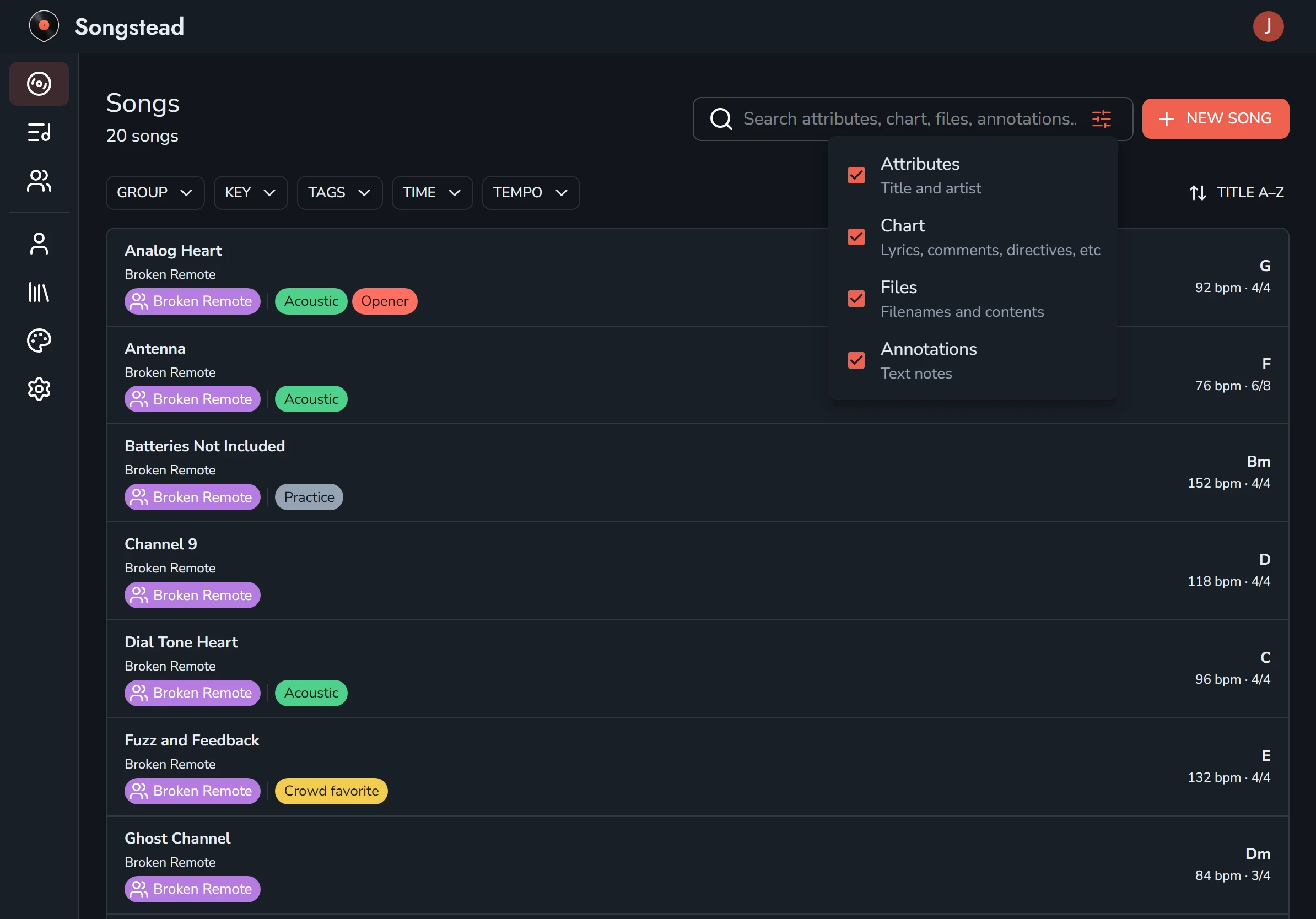
| Option | What it searches |
|---|---|
| Attributes | Titles and artists. |
| Chart | Everything in your text charts: lyrics, comments and ChordPro directives. |
| Files | The names of attached files, and the words inside attached PDFs and Word documents. |
| Annotations | The words in text notes you've written on charts. |
If you only want titles, turn off everything but Attributes.
Filters
The buttons under the search box filter the list. Pick one or more values in a filter to show only the songs that match. If you use more than one filter, a song has to match all of them.
| Filter | What it narrows by |
|---|---|
| Group | Which group the song is in. This filter appears once you belong to a group besides Personal. |
| Key | The song's key. |
| Tags | The song's tags. |
| Time | The time signature. None finds songs that don't have one. |
| Tempo | Slow is under 80 beats per minute, Moderate is 80 to 120, and Fast is over 120. None finds songs without a tempo. |
Clear filters removes them all at once.
Your search and filters stay in place while you open songs and come back to the list. They're cleared when you close the browser tab or the app.
Sort
The button at the right, above the list, sorts songs by Title A–Z or Artist A–Z. Songstead remembers your choice on all your devices.
Searching sets
Sets has its own search box, which finds a set by its name, its location or its group. See Sets.