
Settle in. Play on.
Songstead is home for your song library — always synced, on any device. For bands, teams, studios, and solo musicians.


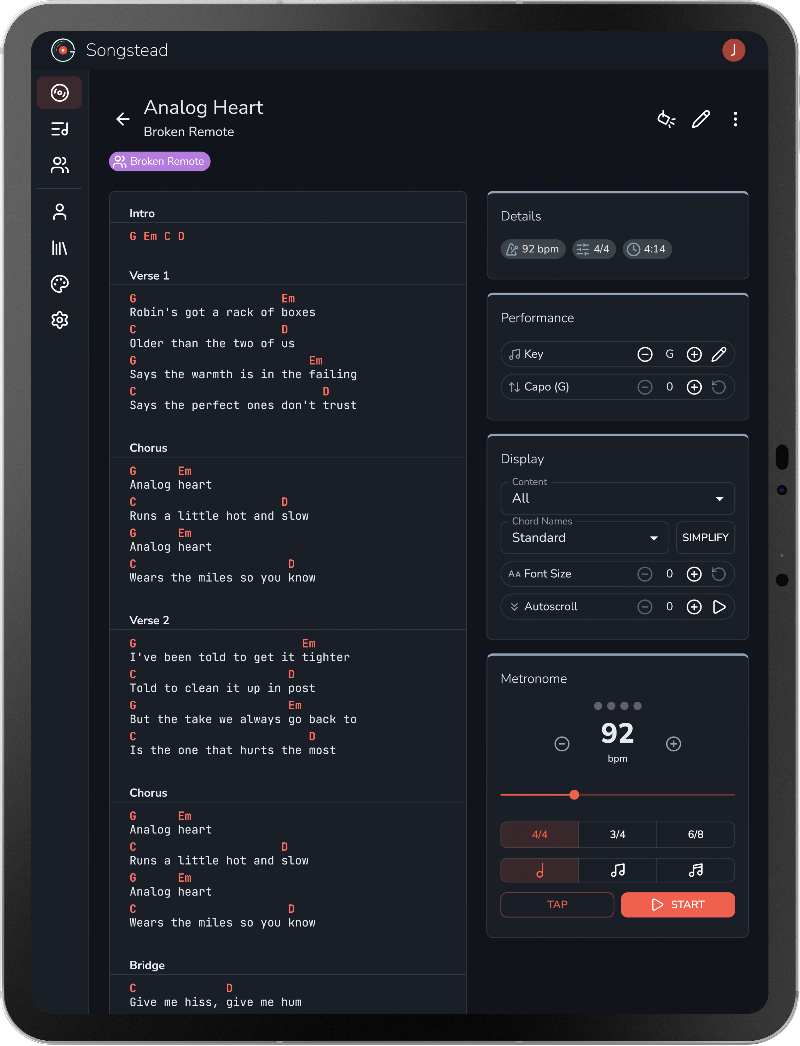
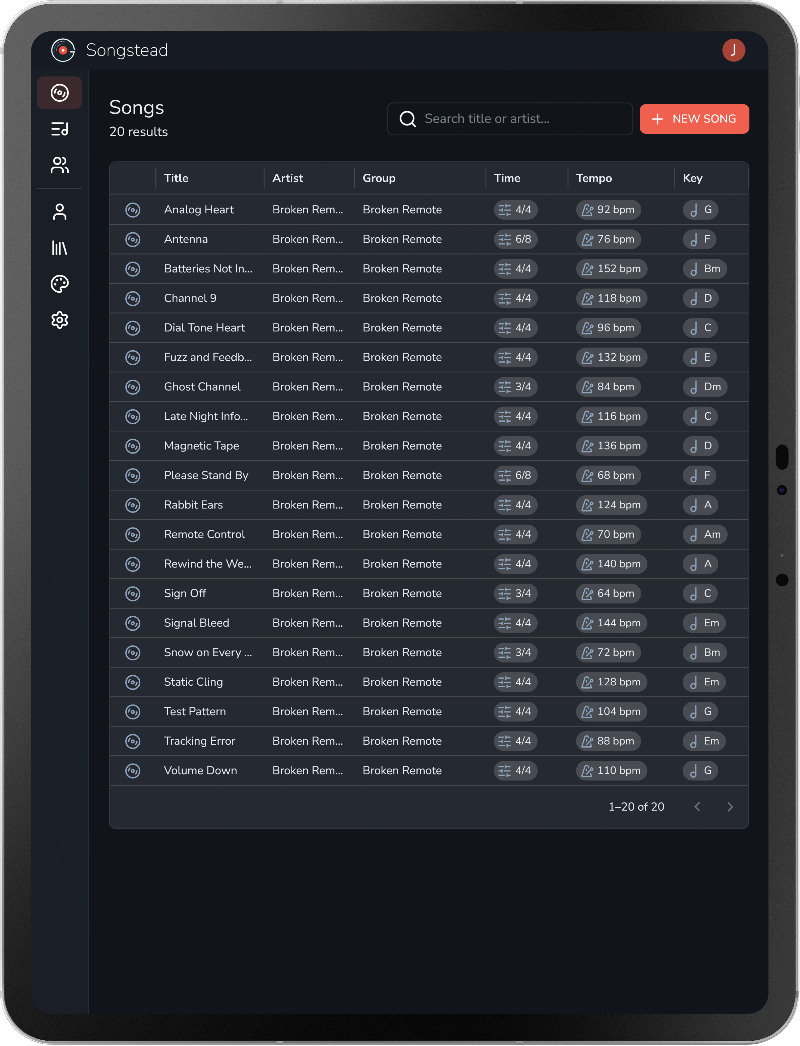
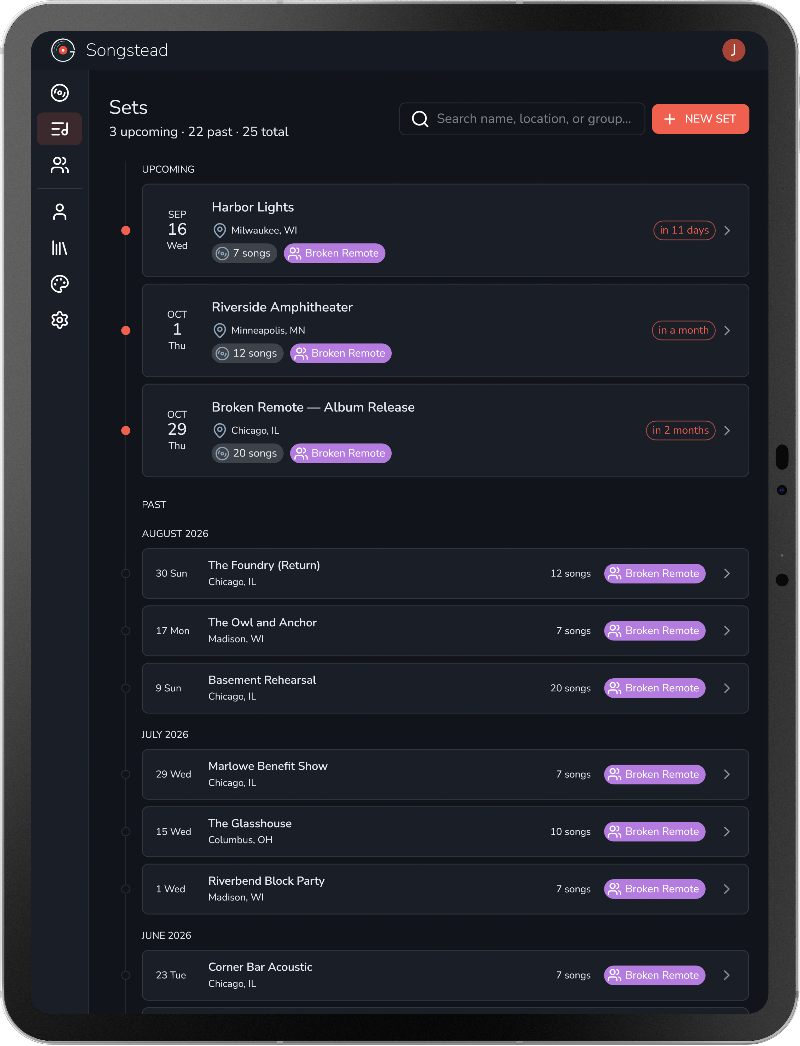
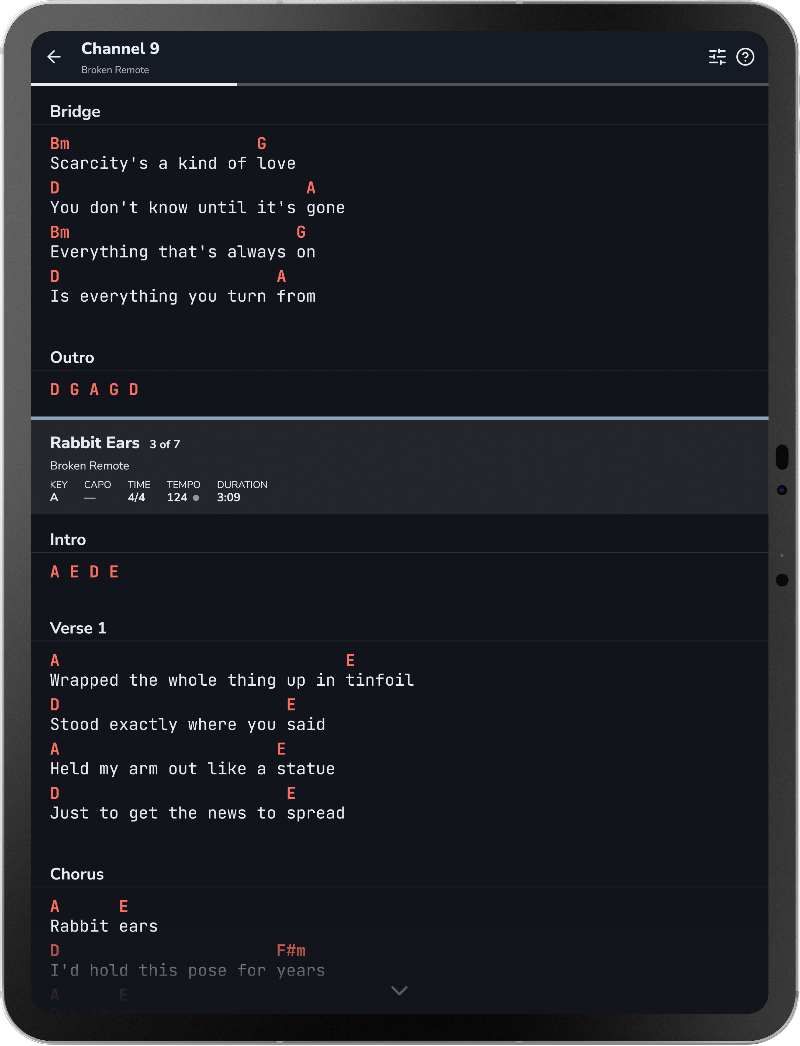
Charts at your fingertips
Transpose, switch between chord formats, and more in a single tap.
Songs, sets, and groups.
Three things to learn, and a lot behind each one.
Unlimited songs, free.
Plenty of apps stop you at a dozen songs, or start asking for money right when your library gets useful. Songstead doesn't. Add everything you play, and keep adding.
Setlists for the whole band.
Every set carries its date, its venue, and its running order. Whatever's coming up sits at the top, and everyone is looking at the same list.
Everyone on the same copy.
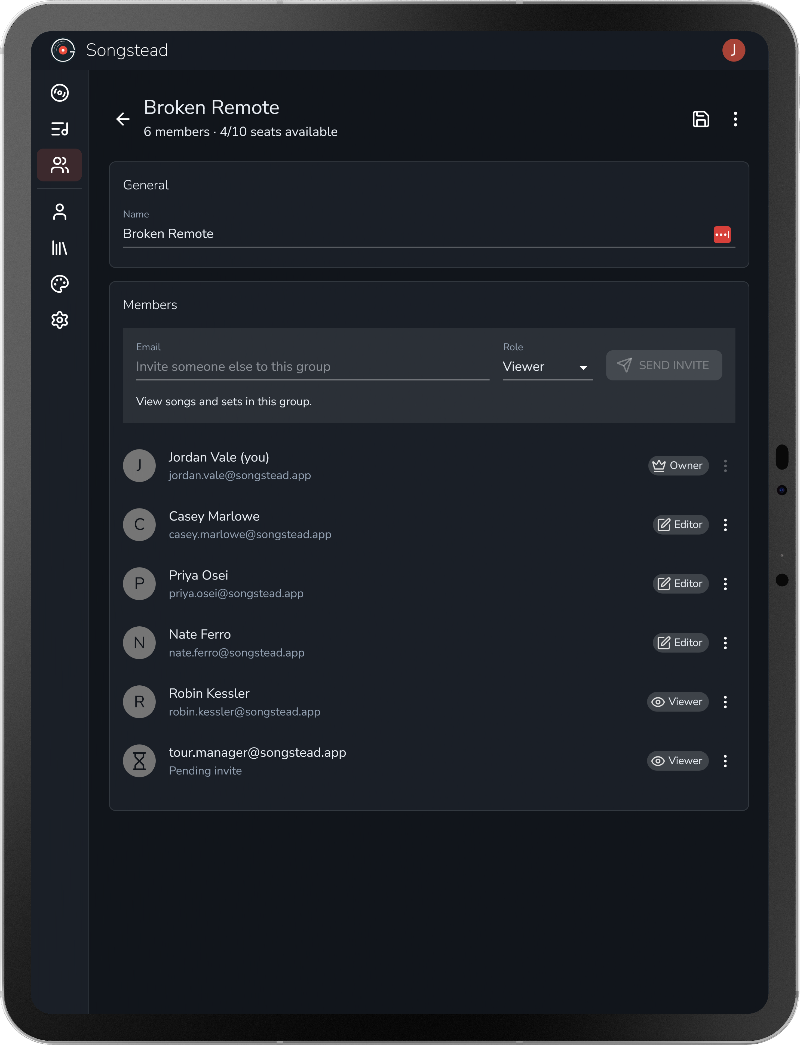
You're not looking at your copy, you're looking at the group's. Invite people with a link, decide who can edit and who can only read, and nobody falls behind a version.
What else is in there.
So many free features.
Write it either way
ChordPro brackets, chords over lyrics, or a mix of the two in the same chart. Songstead reads all of it.
Transposition
Move a chart to any key, or work in capo mode and let the shapes follow.
Key detection
Songstead reads the key out of the chords you typed, so you can leave the field alone.
Notation
Nashville numbers, quality symbols, superscripts, and simplified spellings for beginners.
PDF export
A clean page laid out for a music stand, or for the printer before a rehearsal.
Chords only, or lyrics only
Hide either half of the chart. Chords alone to work out an arrangement, lyrics alone to sing from.
Autoscroll
Give a song its length and the chart finishes scrolling right as the song does. Otherwise, pick a speed and adjust it while you play.
Search and sort
Find a song by title or artist, and sort your library by whichever column you think in.
Import
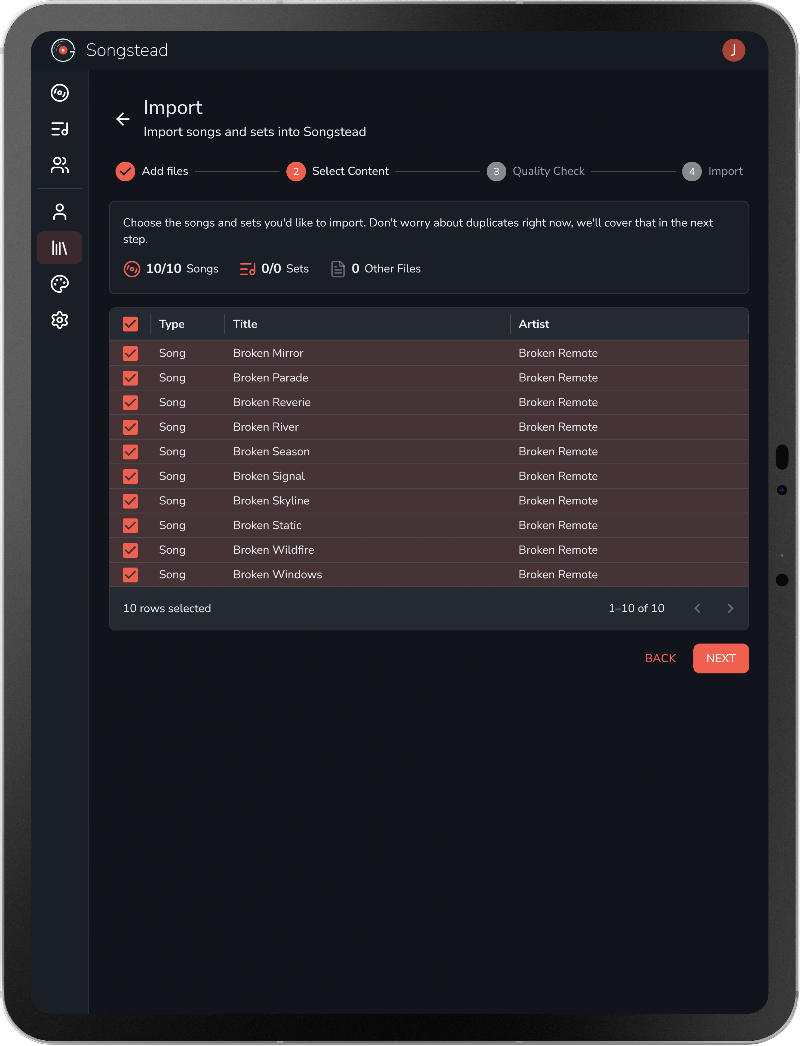
Text files, ZIP archives, and SongbookPro and OnSong exports, with a wizard that shows you what it found.
Custom themes
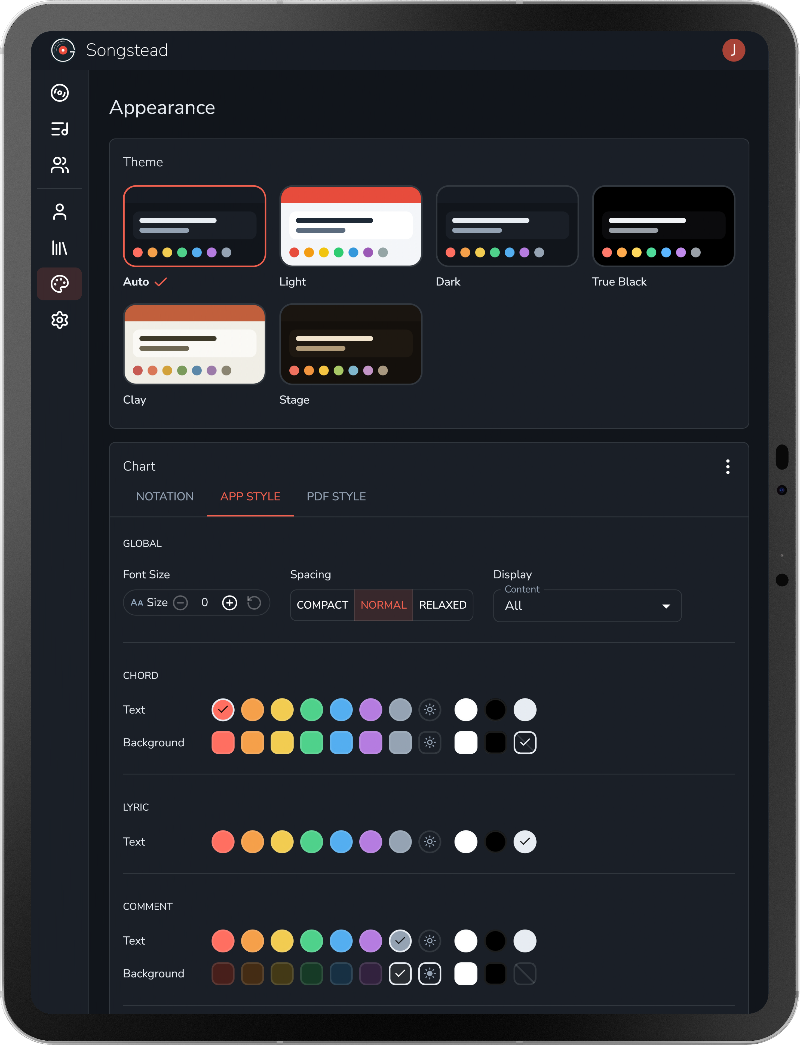
Including Stage, a warm amber theme for a stand in a dark room, and a true-black one for OLED.
Web, iOS, and Android
One account and one library. Whatever you edit shows up everywhere else.
Live Mode
Backstage
Move through a chart with a foot pedal or a tap on the screen, metronome running, without picking the device up off the stand.
Customization
Backstage
Chord colors, line spacing, text size, and how much room each line gets.
Files & media
Backstage
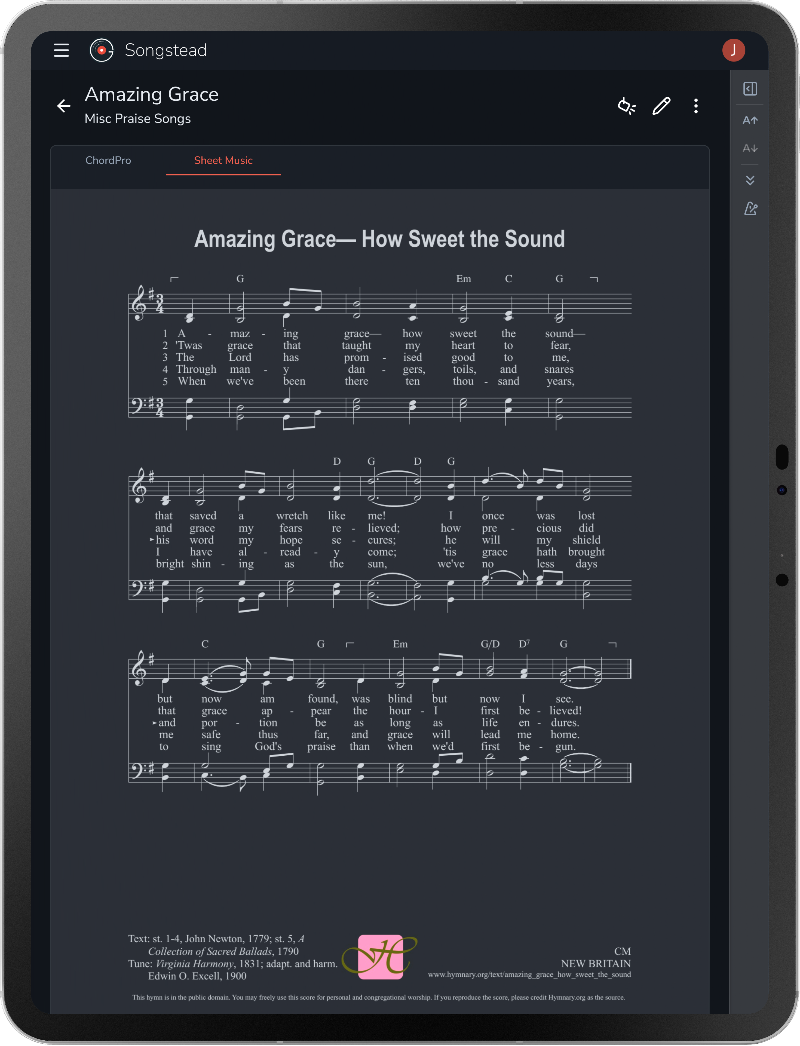
Attach sheet music, tabs, and backing tracks to a song, and read an uploaded PDF or image as the chart.
Who it's for.
It works the same whether you play on your own or with thirty other people.
Solo players
Every song you play in one library. The practice room, the gig, and whichever device you happened to grab.
Bands and worship teams
One setlist, one set of charts, one key. Every rehearsal, every service, every show.
Teachers and studios
Hand each student the right chart in the right key without printing a stack of paper on Sunday night.
Students
Unlimited songs and sets on the free plan. No trial, no card, and nothing you'll outgrow.
Pricing.
Start free and stay there if it covers you. The free plan isn't a trial.
Jam
$0
forever
Everything you need to get your songs and sets organized.
Unlimited songs
Unlimited sets
Join unlimited groups
PDF exports
iOS, Android, & Web
Backstage
$2
per month
Premium features for musicians who want more from their music.
Everything from Jam
Customization
Live Mode
Foot pedal support
5GB file storage
Harmony
$1
per seat, per month
Share your songs and sets with the whole band, team, or studio.
Everything from Backstage
Create unlimited groups
Shared songs and sets
Member permissions
Personal key, capo, and notes
I want this in as many hands as possible, students especially, and anyone who can't spare another monthly subscription. So the free plan doesn't run out and it isn't a trial. The paid plans add features, not room.Jon @ Songstead
Questions.
Is the free plan really unlimited?
Yes. Unlimited songs, unlimited sets, for as long as you want them, and no trial counting down. The paid plans add features, not room.
Can I bring my existing library over?
Yes. Songstead reads text files, ZIP archives, and SongbookPro and OnSong exports, and the importer walks you through whatever it finds.
How is this different from OnSong?
OnSong runs on Apple devices only — iPhone, iPad, and Mac — and it is built for power users. It does a great deal, and there is a learning curve to match. Songstead runs on whatever devices your band already has, and it stays organized around songs, sets, and groups. If you need MIDI automation, OnSong is the deeper tool.
How is this different from SongbookPro?
SongbookPro is bought separately for each platform you use, its free tier stops at 12 songs, and syncing runs through a Dropbox or OneDrive account you supply. Songstead is one account covering every device you play from, syncing is on by default, and the free plan does not cap your library.
Right now your library is a folder of PDFs, three group chats, and one person with the good binder.
Bring all of it here.
Free plan, no card, unlimited songs.