
Docs / Groups
Groups and roles
A group shares songs and sets between people: a band, a worship team, a choir, or a teacher and their students. Everyone in a group works from the same songs and sets, and a change one person makes shows up for everyone else.
Creating a group needs Harmony. Joining someone else's group is free on every plan.
Requires Harmony
Your Personal group
Every account has a Personal group that only you can see. It can't be renamed, shared or left. Songs and sets you make go there unless you pick another group.
The Groups page
Groups in the menu lists the groups you belong to, with how many members, songs and sets each has, and your role in it. If you own groups, the top of the page shows how many of your Harmony seats are free.
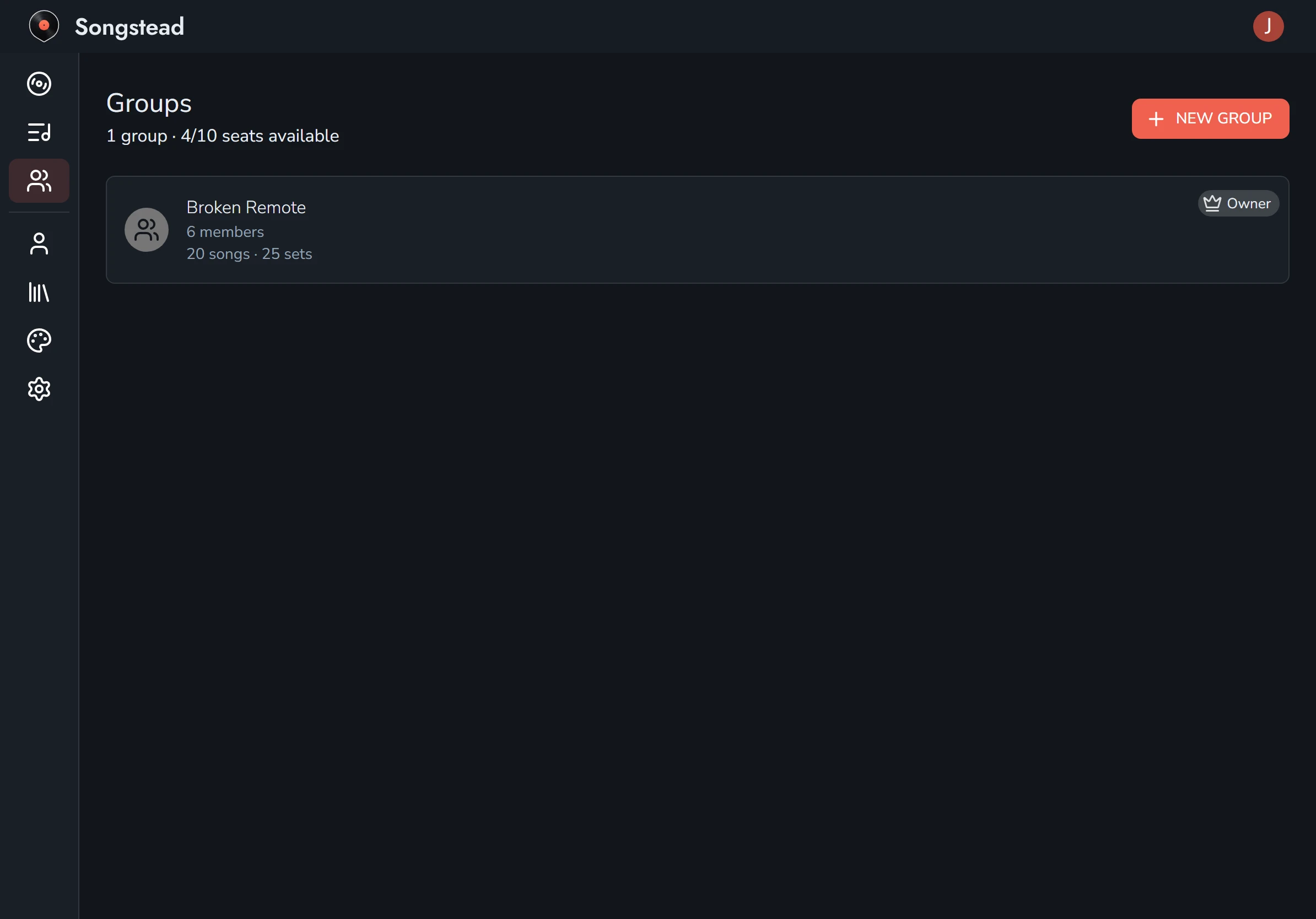
Invites waiting for you show up here under Pending Invites, with Accept and Decline.
Create a group
Select New Group on the Groups page, type a name, and select the save button. You're the group's owner.
Invite people
Select a group to open it. Under Members, type the person's email address, choose their Role, and select Send Invite. Songstead emails them a link.
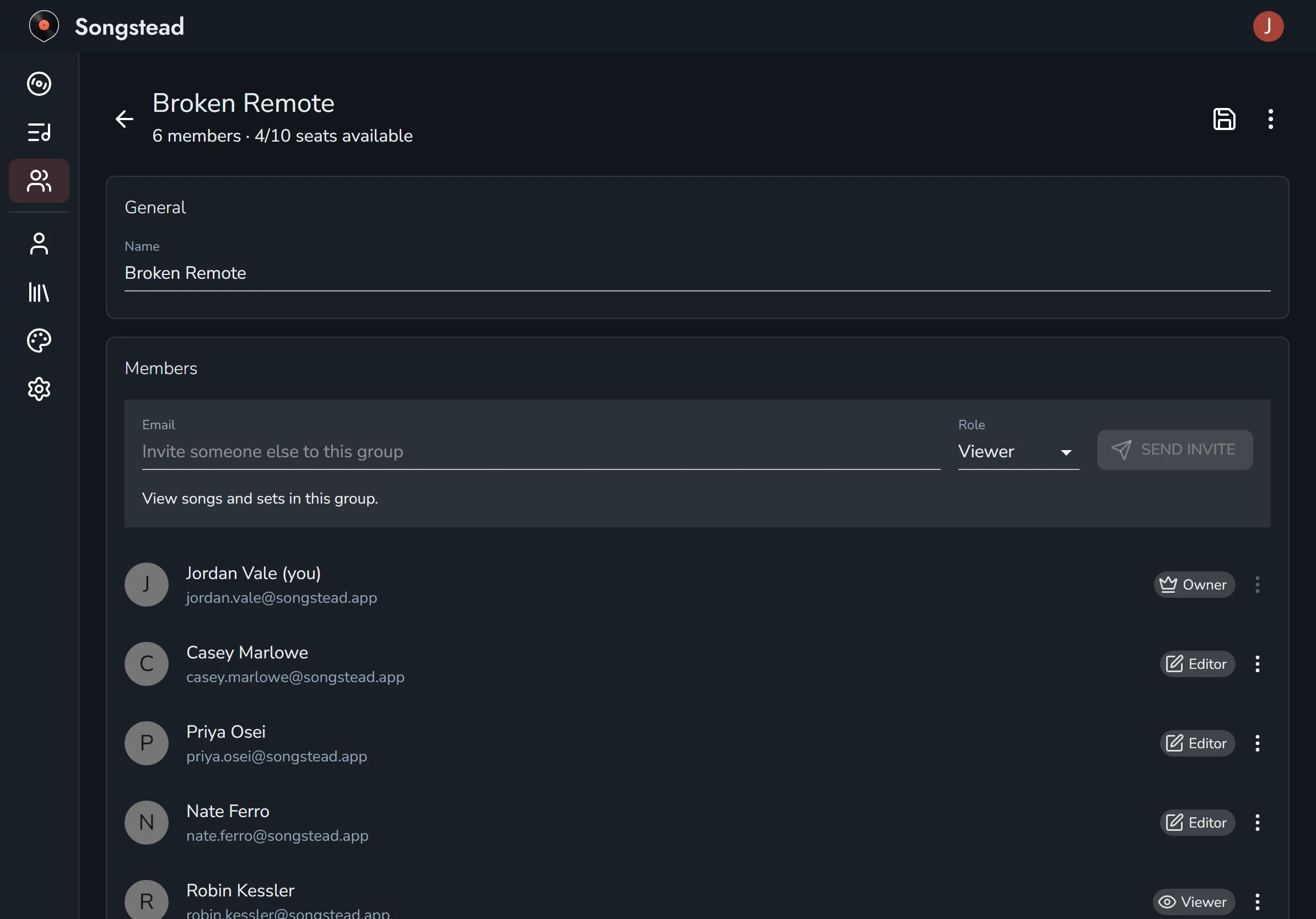
The person you invite finds the invite on their own Groups page and selects Accept. If they don't have an account yet, they can make one from the link in the email.
Invites you've sent are listed with the members until they're answered. You can change an invite's role, or select Cancel Invite from its menu.
Seats
Each person in your groups uses one seat on your Harmony plan, and you count as one. Someone in two of your groups still uses one seat. You can't send an invite once every seat is used. See Plans and limits.
Roles
| Role | What they can do |
|---|---|
| Owner | Everything an editor can, and also rename or delete the group, invite and remove people, and change roles. Each group has one owner: the person who created it. |
| Editor | See, create, change and delete the group's songs and sets, and manage its tags, shared annotation layers and calendar feed. |
| Viewer | See the group's songs and sets. Viewers can still set their own key and capo, add personal tags, and draw personal annotations. |
To change someone's role, open the menu beside their name and choose Make Editor or Make Viewer. Remove Member takes them out of the group.
Share a song or set
A song or set belongs to one group at a time. To share one, edit it and change its Group from Personal to the group. To make it private again, change it back.
Only the person who created a song or set can move it to another group, and only between groups where they're an owner or editor. A set can only hold songs from its own group, so move a set's songs into the group before the set.
What stays yours
On a shared song, some things are yours alone, and nobody else in the group sees them:
- The key you play the song in, outside of a set.
- Your capo or transpose, everywhere.
- Your personal tags. See Tags.
- Your Personal annotation layer. See Annotations.
Everything else is shared: the song's details, charts and files, the group's tags, the group's annotation layers, and each set's keys and charts.
When sharing is paused
If the owner's Harmony plan ends, their groups are switched off. Members and anyone with a pending invite can't see the groups' songs and sets until Harmony is back. Nothing is deleted.
The same thing happens if a group owner has more people in their groups than their plan has seats. Adding seats on the Plan page, or removing people, turns the groups back on.
The owner sees a message on the Groups and Plan pages saying why, with a button to fix it. See Billing and payments.
Leave or delete a group
A member can leave a group from the menu at the top right of the group's page. The songs and sets they added stay in the group for everyone else.
The owner can't leave their own group, but can delete it from the same menu. Deleting a group deletes its songs and sets too. Before you delete one, move any songs and sets you created and want to keep into your Personal group, and let other members do the same with theirs.
If an owner deletes their account, the groups they own are deleted with it.