
Docs / Getting started
Offline access
Songstead works without an internet connection once it has opened online on a device. You can open and edit your songs, sets, and charts offline, and your changes sync once you're back online. It's included on every plan.
Before you go offline
While you're online, Songstead saves your library and every file in it to each device you use. Before a gig, open Songstead online on the device you'll play from and check that the sync indicator shows a cloud with a check mark.
What doesn't work offline
You can do everything else offline. These need a connection:
- Joining a group, or creating, leaving, or deleting one, and managing its members and invites
- Changing your password, plan, or payment details, and viewing invoices
- Setting up or changing calendar feeds, and disconnecting an AI agent
- Deleting your account
- Logging out
If you select one of these while you're offline, Songstead tells you it needs a connection.
Changes you make offline
Songstead keeps what you change offline on this device, even if you close the app. Once you're back online, Songstead syncs those changes.
If someone else changed or deleted the same thing while you were offline, their change stands. Yours is dropped, and Songstead doesn't show a message about it.
The sync indicator
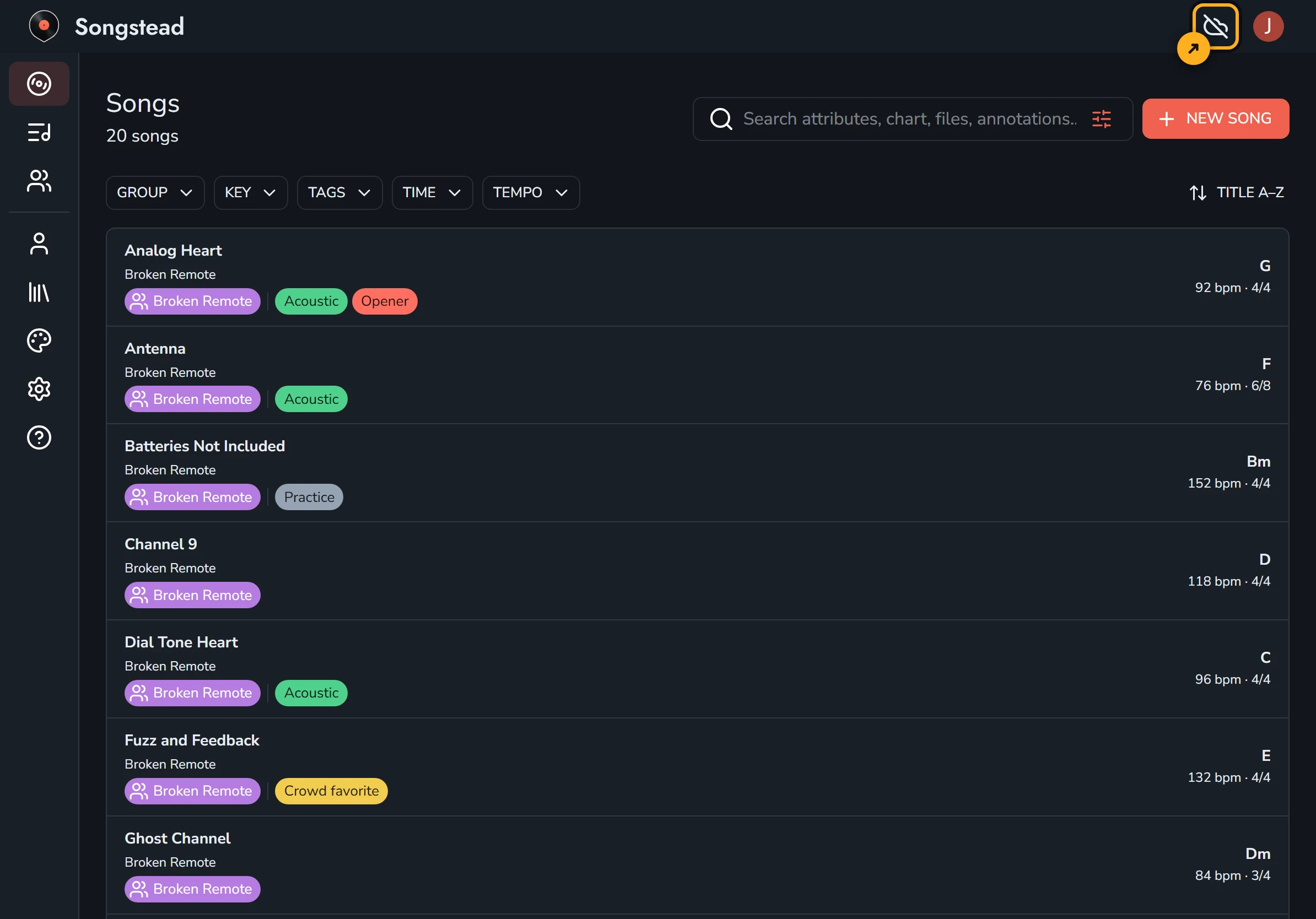
The sync indicator sits at the top of the screen, next to the account button. You can select it to open Library → Storage.
| Icon | What it means |
|---|---|
| Cloud with a check mark | This device has your whole library and every file in it, and has sent every change you made. |
| Turning arrows | Songstead is sending your changes or saving files to this device. |
| Cloud with a line through it | You're offline. Your changes wait on this device until you're back online. |
The number on the indicator is how many changes are waiting to sync.
Check what's synced
The Offline Access card in Library → Storage shows whether this device is up to date: whether you're connected, when it last synced, how many changes are waiting to be sent, and how many files it still has to save. When every count on it has a check mark, this device has everything it needs for a gig with no signal. If the device runs out of room, the card says so, and the files that didn't fit open only online.
