Import your library
You don't have to type your library in again! One file out of your old app brings your songs and sets across in one go.
On this page
Before you start
Export a backup out of your old app. OnSong and SongbookPro are supported by default.
Loose charts work too. Hand Songstead a folder, a ZIP archive or an individual file to import other content.
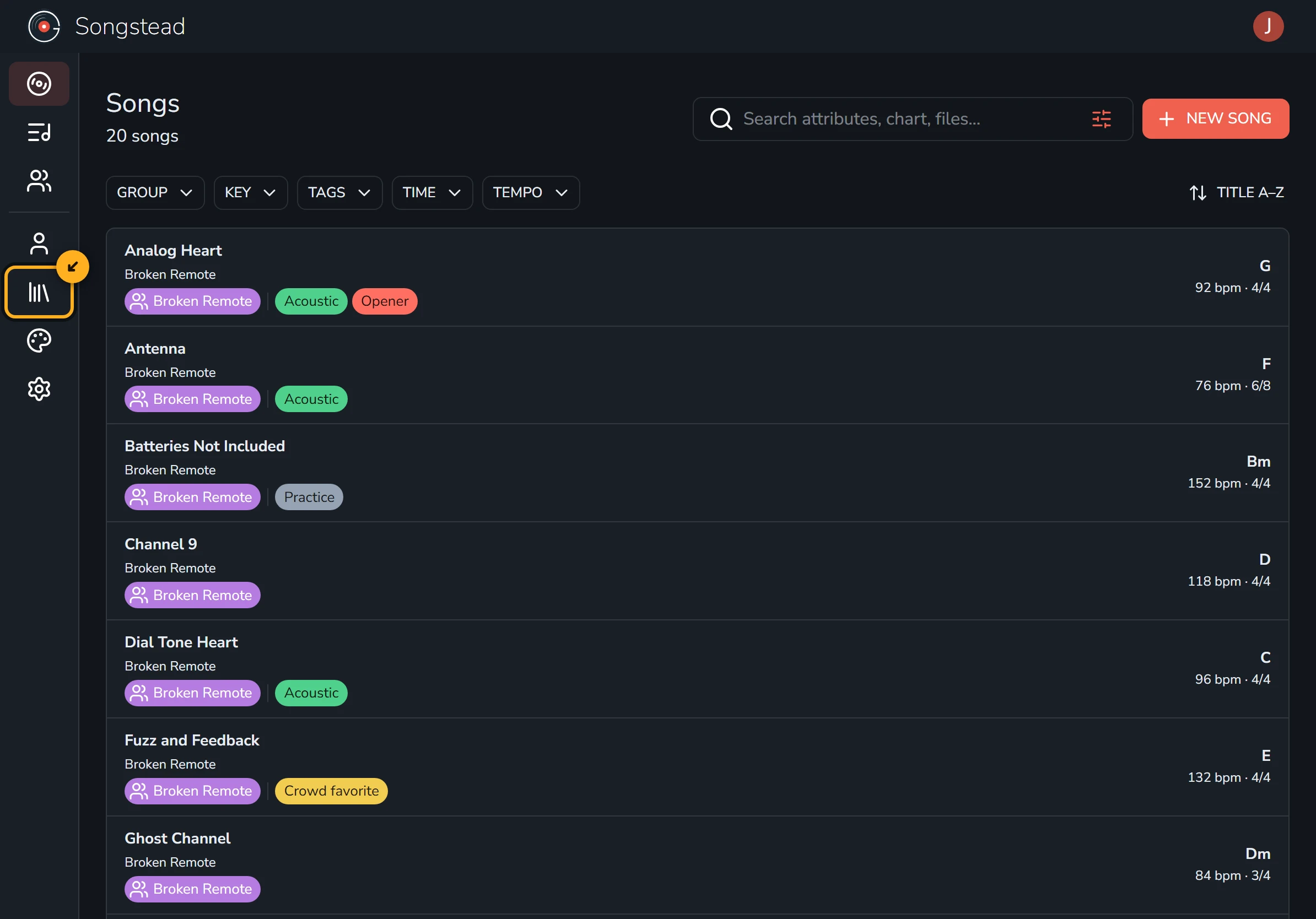
Open Library
Library is listed on the left side of the app, under Account.
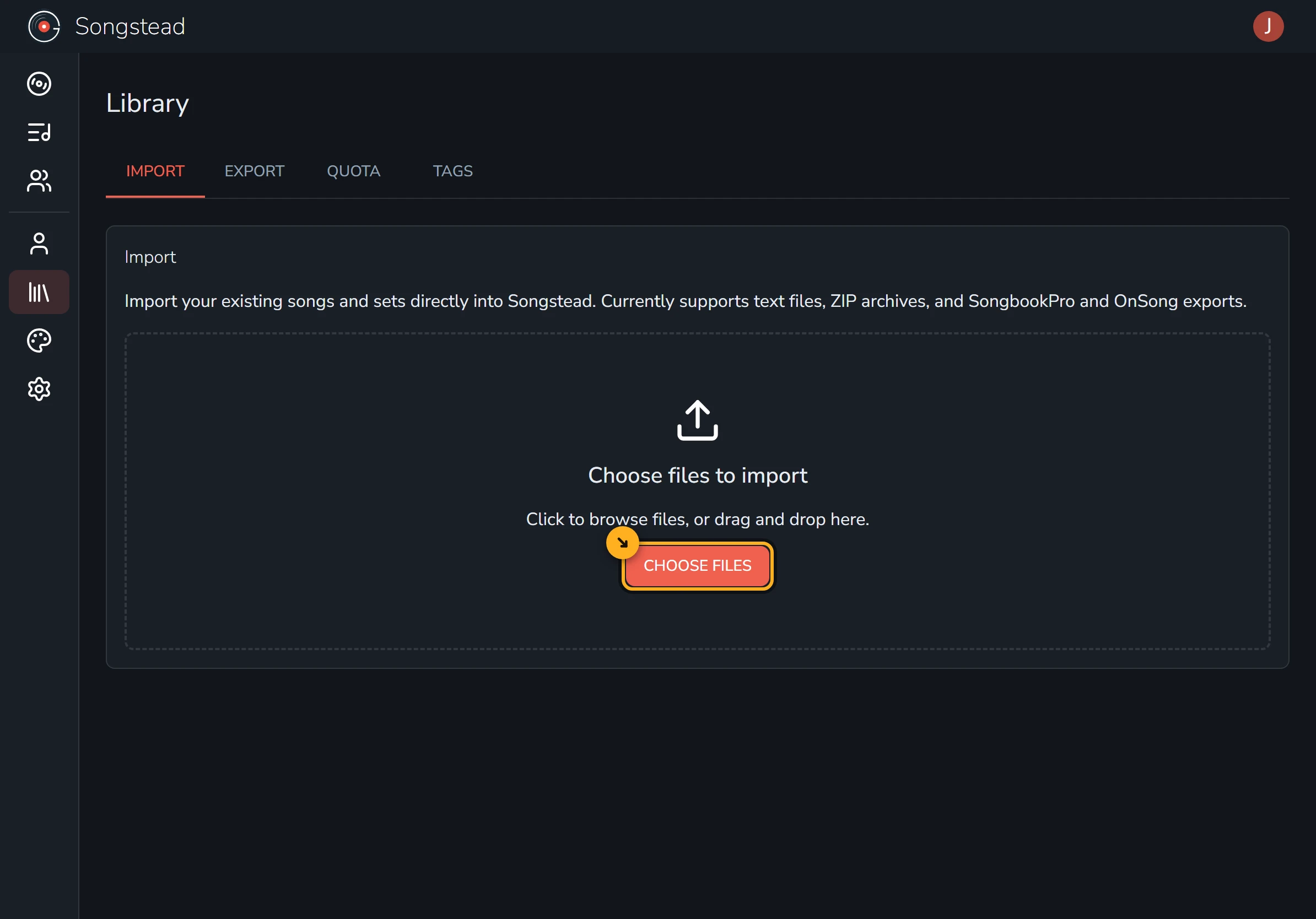
Add your files
Select Choose Files and pick the backup you exported.
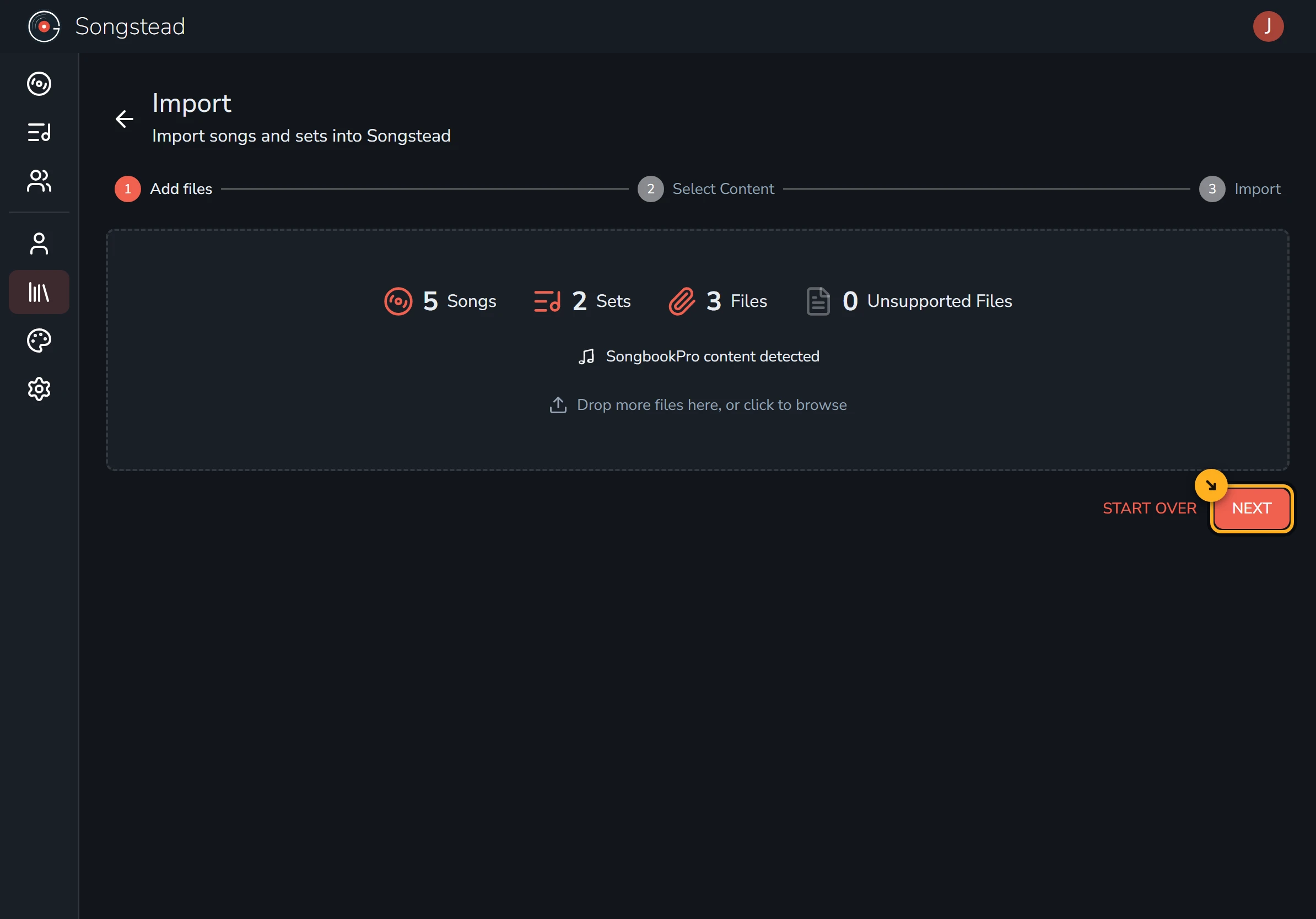
Check what was found
Songstead reads and analyzes the backup. If the summary looks correct, select Next to continue.
Review the list of songs and sets and remove anything you'd rather not import at this time.
Select Next to do one final review.
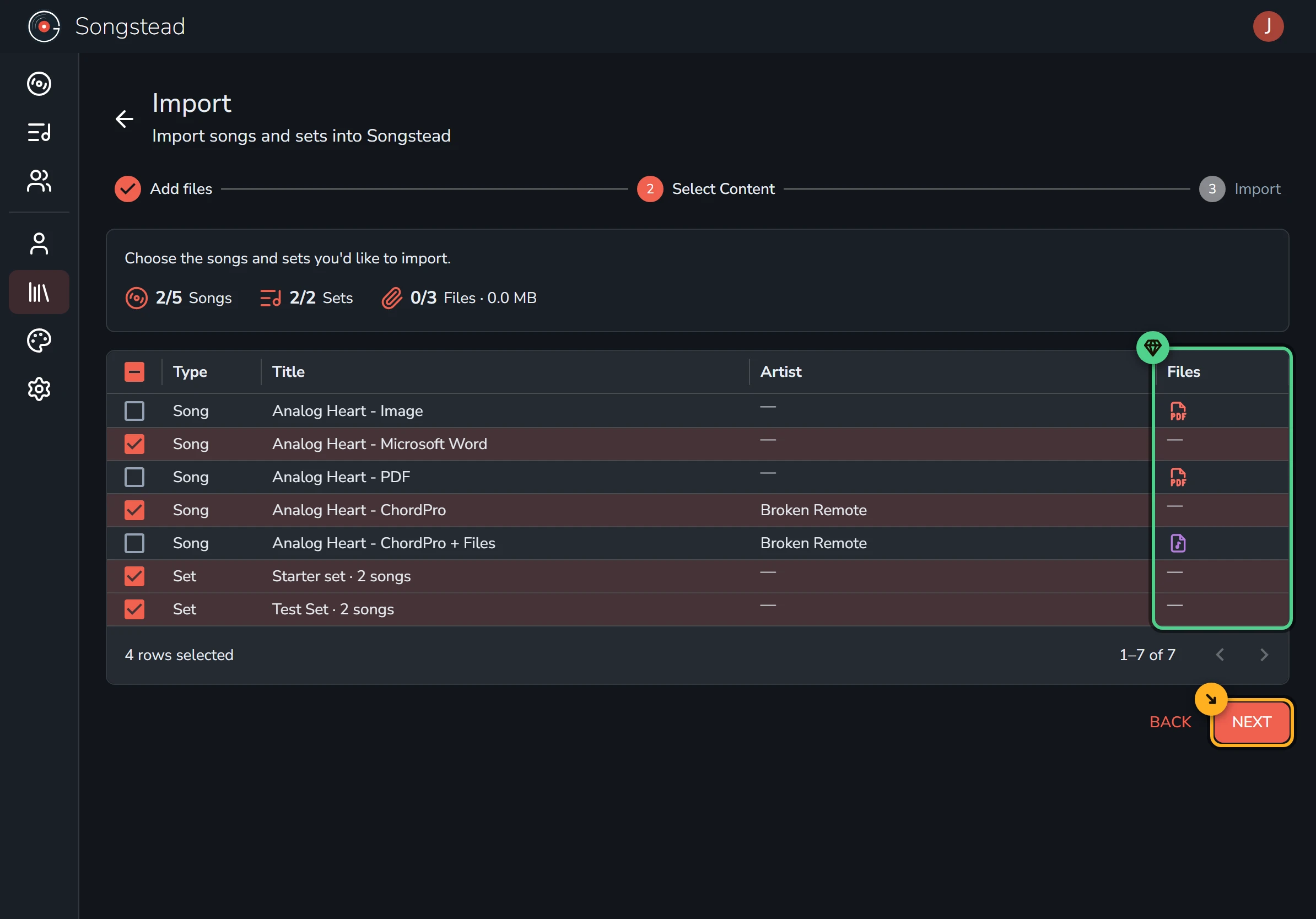
Imported songs with attached media require Backstage or the files will be ignored.
Requires Backstage
Run the import
Select Start Import, then leave the page open while it runs. The import may take a few minutes if you have lots of attachments.
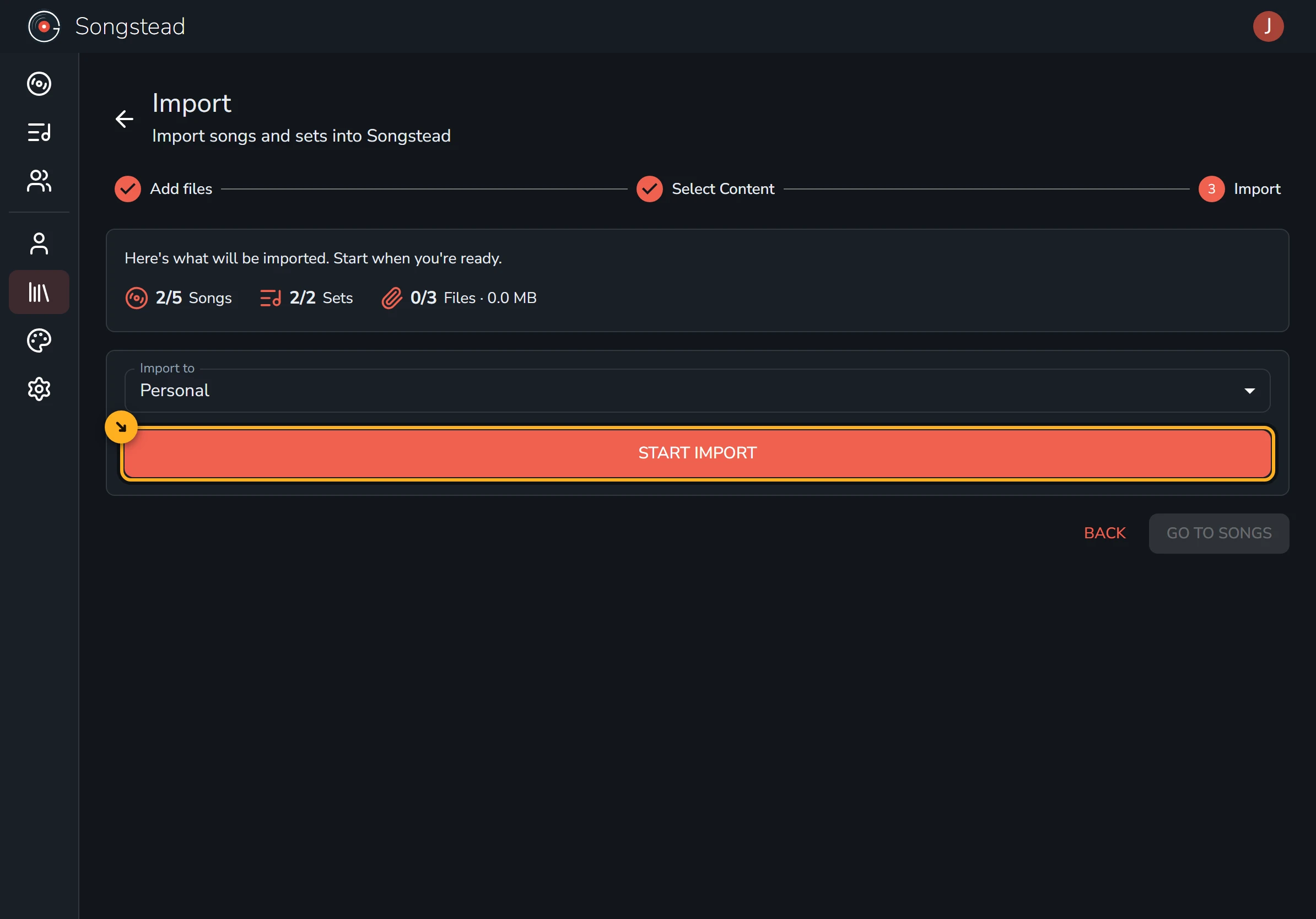
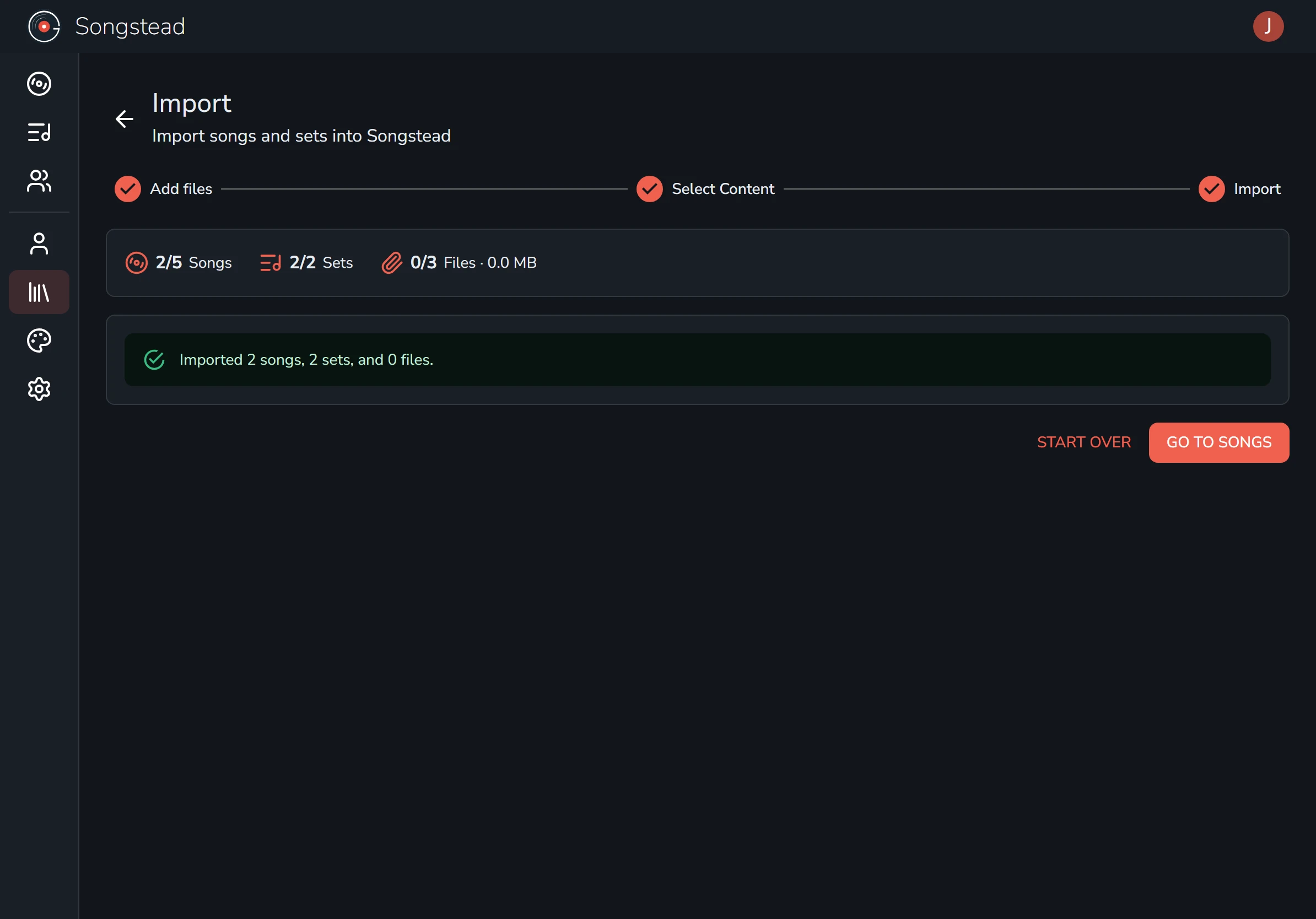
You're done!
Your songs and sets are now in your library. You can add more songs by hand whenever you like.